QUESTIONS · EXPORTING
How do I verify NotebookLM citations before publishing an exported report?
Direct answer
Export with footnotes enabled via Ultra Exporter so every claim retains its numbered source marker, open the cited source file directly to confirm quotes and context, and export your notebook source list to BibTeX, RIS, or APA to fill in missing authors and publication dates in Zotero before publishing.
Best suited for
Journalists, academic authors, legal analysts, and compliance teams auditing NotebookLM footnotes before publication
Prerequisites
- NotebookLM report or chat exported with inline citations enabled
- Optional Zotero / Mendeley / JabRef library if generating formal `.bib` or `.ris` source records
What to do
- Install NotebookLM Ultra Exporter in desktop Chrome, then refresh any open NotebookLM (Gemini Notebook) tab.
- Spot-check every statistical figure, dosage, quote, or legal holding inside NotebookLM’s interactive citation drawer before leaving the app.
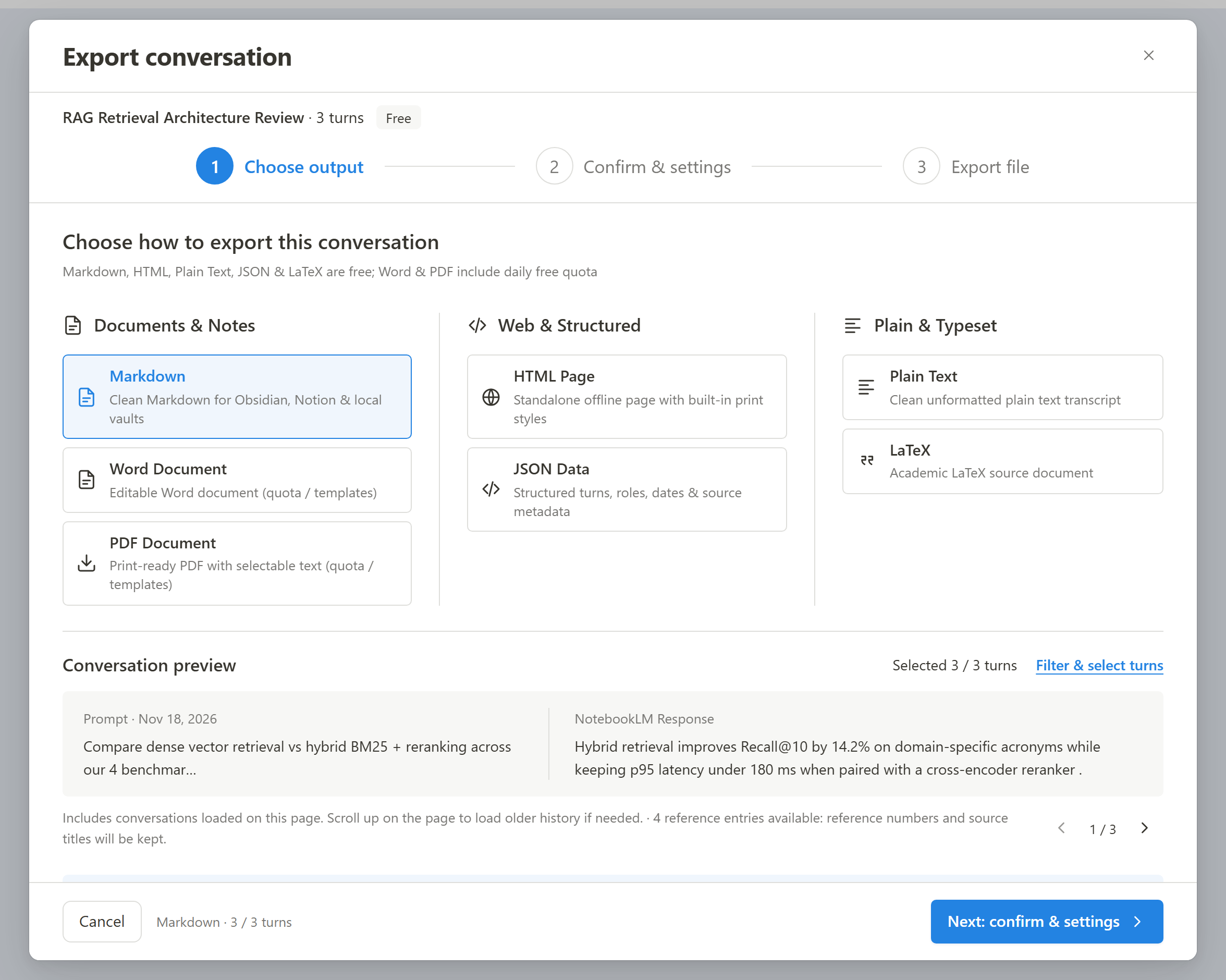
- Export the note or chat via Ultra Exporter with Citations as footnotes checked (
Markdownfree,Word/PDFwithin 5/day quota or Pro). - In the Sources panel, export your notebook’s bibliography as BibTeX (.bib) or RIS (.ris) and enrich author/year/DOI metadata inside Zotero or Mendeley.
What to know
- NotebookLM citations map back to the sources you uploaded — they prove which chunk the model read, not that the underlying claim is peer-reviewed truth.
- NotebookLM’s source metadata includes titles and URLs/filenames, not always full author names or journal years; Ultra Exporter never invents missing bibliographic fields.
- Exporting both the report footnotes and a
.bib/.risbibliography file cuts Zotero cleanup time cleanly.
Downloadable verified test files
Google changes these menus often. The item's own menu in your notebook shows what is built in today.
Plan requirement
The basics are free; the advanced options listed on this page need Ultra Exporter Pro. Pro covers the extension only; it does not include a Google subscription or raise NotebookLM / Gemini Notebook's own limits. Current prices are on the pricing page.
Follow-up questions
Does Ultra Exporter automatically pull DOIs or author lists that NotebookLM hid?
No — by design our bibliography generator outputs exact titles, URLs, platforms, and access dates (n.d. where missing) without fabricating authors or DOIs. Complete metadata in Zotero.
Can exported Word files click straight back into the NotebookLM browser tab?
Interactive scroll-to-passage highlighting exists only inside Google’s NotebookLM app. Outside NotebookLM, exported footnotes record the cited source name cleanly.
Is bibliography export free or Pro?
Basic bibliography exports are covered alongside Zotero/BibTeX/RIS guides — check BibTeX vs RIS for target apps.
Why did copy-paste lose my footnotes before?
Interactive citation chips inside Studio DOM elements are ignored by standard browser copy-paste.
Verified sources & external references
- NotebookLM Help Center — Google Supportofficial
Native Google Docs/Sheets exports, Studio outputs, and source limits.
- Formatting & citation checking workflows — r/notebooklm & academic guidancecommunity
Highlights verifying numbers in primary PDFs and avoiding AI-invented DOIs.
Complete workflow guide
How to Export Full NotebookLM Chat History with Citations (Markdown, Word, PDF & LaTeX)
NotebookLM has no native “Export chat” button. Select specific Q&A turns, preserve numbered source citations, edit before export (Pro), and save locally to Markdown, LaTeX, HTML, JSON, TXT, Word or PDF.
Related guides
You cannot by copy and paste: the numbered citation chips in NotebookLM are interactive elements, so they vanish from pasted text. Export instead.
Both carry a NotebookLM source list into a reference manager. BibTeX is the native format of LaTeX and Overleaf and is read by Zotero, JabRef and Paperpile.
NotebookLM does not connect to Zotero, but NotebookLM Ultra Exporter builds a bibliography from the sources in a notebook and outputs BibTeX or RIS, which.
Cite NotebookLM sources in APA style. You get a reference list in APA style built from each selected source's title, link and access date.
Moodle throws "Invalid xml file — string expected (use CDATA?)" when hand-edited scripts or unescaped exports leave raw `<`, `>`, `&`, or HTML tags inside.
NotebookLM only exports one note at a time to Google Docs and cannot merge multiple notes into one document.
Copying equations from NotebookLM with Ctrl+C pastes duplicate hidden KaTeX accessibility text and strips inline citation chips.
Google’s native mind map download saves one flat bitmap PNG of expanded branches, which blurs or shrinks to unreadable text on standard paper.