QUESTIONS · EXPORTING
How do I print a large NotebookLM mind map without tiny unreadable text?
Direct answer
Google’s native mind map download saves one flat bitmap PNG of expanded branches, which blurs or shrinks to unreadable text on standard paper. With NotebookLM Ultra Exporter (free), export either as scalable SVG for poster printing, single-branch splits for multi-page handouts, or OPML/FreeMind to re-layout and tile across pages in XMind or Freeplane.
Best suited for
Students, workshop facilitators, and project managers who downloaded Google’s native mind map PNG and found 60+ nodes shrunk to unreadable 4pt text on A4/Letter paper
Prerequisites
- Generated Mind Map opened inside NotebookLM Studio (all 6 Ultra Exporter mind-map formats are 100% free)
What to do
- Install NotebookLM Ultra Exporter in desktop Chrome, then refresh any open NotebookLM (Gemini Notebook) tab.
- Open the Mind Map in NotebookLM Studio (you do not need to expand collapsed branches manually).
- Click Ultra Exporter’s Export entry: pick SVG for crisp vector zoom/poster print, OPML / FreeMind to tile across multiple pages in XMind/Freeplane, or Interactive HTML to collapse/print specific branches in Chrome.
- For classroom or binder handouts, select one major branch at a time or export Markdown to print as a clean indented study outline.
What to know
- Exporting SVG gives infinite vector sharpness for A3/poster printing or zooming without pixelation.
- Ultra Exporter’s single-branch export lets you split a massive 80-node mind map into 4–6 legible A4/Letter sub-maps.
- Exporting OPML (.opml) or FreeMind (.mm) lets XMind or Freeplane switch from wide horizontal trees to compact top-down or multi-page tiled print layouts.
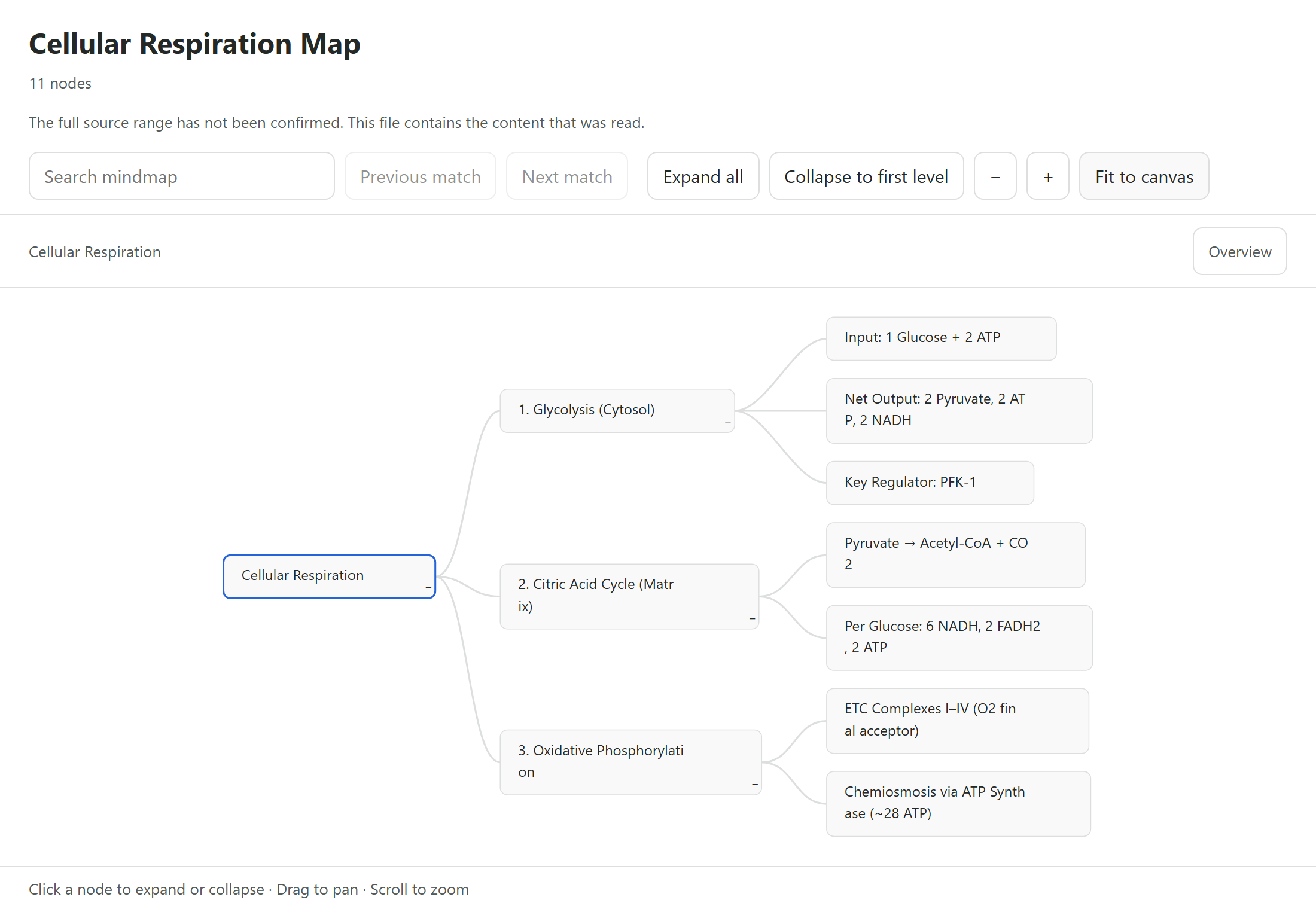
Downloadable verified test files
Google changes these menus often. The item's own menu in your notebook shows what is built in today.
Plan requirement
Free, with no daily export quota and no website account needed. Pro covers the extension only; it does not include a Google subscription or raise NotebookLM / Gemini Notebook's own limits. Current prices are on the pricing page.
Follow-up questions
Why did my native NotebookLM PNG look blurry when printed on Letter or A4 paper?
A wide 50-node tree squeezed onto an 11-inch sheet reduces font pixels dramatically. Exporting SVG keeps vector crispness, and exporting branch-by-branch or via XMind multi-page poster print restores full 11–12pt readability.
Are SVG, OPML, FreeMind, and Interactive HTML mind map exports free?
Yes — all mind map export formats in Ultra Exporter are 100% free with zero daily quota.
Can I turn a huge NotebookLM mind map into a clean Word or Markdown checklist instead?
Yes — export the mind map as Markdown to get a nested indented outline you can drop straight into Notion, Obsidian, or Word.
Does single-branch export skip collapsed child nodes?
No. Ultra Exporter traverses the entire child hierarchy under your selected branch even if nodes are collapsed on screen.
Verified sources & external references
- NotebookLM Help Center — Google Supportofficial
Native Google Docs/Sheets exports, Studio outputs, and source limits.
Complete workflow guide
How to Export NotebookLM Mind Maps to Editable XMind, OPML, FreeMind, SVG, HTML & Markdown
Native NotebookLM mind maps only download as static PNGs. Export 7 free unlimited formats—Interactive HTML, FreeMind (.mm), OPML, vector SVG, PNG, Markdown & JSON—for whole maps or a single branch.
Related guides
NotebookLM only lets you save a picture of the mind map as it is currently expanded. To get the whole map as a file, open it with NotebookLM Ultra Exporter.
Both export a NotebookLM mind map as an editable tree, and both are free. OPML is an outline format: best for outliners such as Workflowy and OmniOutliner.
Yes. Export a NotebookLM mind map as FreeMind (.mm), OPML or Markdown with NotebookLM Ultra Exporter, all free with no daily quota, then use File, Import in.
How to Save Gemini Notebook mind maps as SVG. You get a vector graphic with automatic layout that stays sharp at any zoom level.
NotebookLM runs quizzes interactively in the browser with no print or worksheet download. With NotebookLM Ultra Exporter, open the quiz and export a free.
Partly. NotebookLM (Gemini Notebook) can send notes and reports to Google Docs, data tables to Google Sheets, and download slides, flashcards, infographics.
Open the note and use its menu to send it to Google Docs, which is the only built-in route.
Not with NotebookLM itself. Gemini Notebook saves your chat history to the notebook but has no export or download for it; you can only copy a single reply or.