COMPARE · STUDY FORMATS
Quizlet vs Anki vs printable/offline HTML for NotebookLM flashcards
Direct recommendation
Choose Anki TSV (free) or .apkg (Pro) when you need multi-month spaced repetition and math equations; choose Quizlet text (free) when sharing quick web sets with a study group; and choose Offline HTML or printable PDF when you want zero-install browser drills or paper study sheets.
Best suited for
Students and tutors choosing the best destination for NotebookLM flashcards across long-term retention, group games, or printable/offline review
Prerequisites
- A generated Flashcard deck inside NotebookLM Studio
Anki (TSV / .apkg) vs Quizlet & Offline HTML: side by side
| Dimension | Anki (TSV / .apkg) | Quizlet & Offline HTML |
|---|---|---|
| Best use case | Long-term med/law/language FSRS scheduling | Quizlet: quick web sharing; Offline HTML/PDF: zero-setup or paper drill |
| Setup friction | Anki TSV via File->Import (free) or 1-click .apkg (Pro) | Paste into Quizlet Import, or double-click .html in Chrome |
| Equations & formatting | Preserves KaTeX/MathJax \(...\) & bold HTML | Offline HTML renders KaTeX crisply; Quizlet converts to plain text |
| Works without internet | Yes (full desktop & mobile sync) | Offline HTML works 100% offline in any browser; Quizlet web needs connection |
| Printable study sheet | Use PDF / Markdown export instead | Printable single-page grid (free) or double-sided duplex flashcards (Pro) |
When to pick each option
- Choose Anki (TSV / .apkg) if you are studying heavy coursework for exams months away and want scheduled spaced repetition without comma CSV errors.
- Choose Quizlet & Offline HTML if you want classmates flipping cards in two minutes without installing Anki, or want a paper/offline study sheet.
Plan comparison
The basics are free; the advanced options listed on this page need Ultra Exporter Pro. Pro covers the extension only; it does not include a Google subscription or raise NotebookLM / Gemini Notebook's own limits. Current prices are on the pricing page.
Comparison FAQ
Anki (TSV / .apkg) or Quizlet & Offline HTML: which is better for NotebookLM / Gemini Notebook?
Neither in general. Choose Anki (TSV / .apkg) if you are studying heavy coursework for exams months away and want scheduled spaced repetition without comma CSV errors. Choose Quizlet & Offline HTML if you want classmates flipping cards in two minutes without installing Anki, or want a paper/offline study sheet.
Can I export the same NotebookLM flashcard deck to Anki, Quizlet, and Offline HTML?
Yes — all three basic flashcard formats (Anki TSV, Quizlet text, Offline HTML) are free with zero daily export limit.
How do I print NotebookLM flashcards on paper or duplex index sheets?
Pick printable PDF inside the flashcard exporter for paper study sheets; double-sided duplex print layout requires Pro.
Verified sources & external references
- Anki Manual — Text Import & MathJaxplatform
Spaced repetition text import rules.
- Quizlet Help — Creating sets by importing dataplatform
Copy-paste delimiter preview instructions.
Complete workflow guide
How to Export NotebookLM Flashcards to Anki (.apkg, TSV, Quizlet & Duplex PDF)
Export NotebookLM / Gemini Notebook flashcards to pre-headered Anki TSV, Quizlet, Markdown, HTML, XLSX, CSV or PDF free without daily limits—or build .apkg decks and duplex PDFs with Pro.
Related guides
NotebookLM flashcards can go to either for free. Anki is a spaced-repetition app that schedules each card for long-term memory and works offline.
Both put NotebookLM flashcards into Anki. The tab-separated text file is free and imports through File, Import, where you confirm which column is the front.
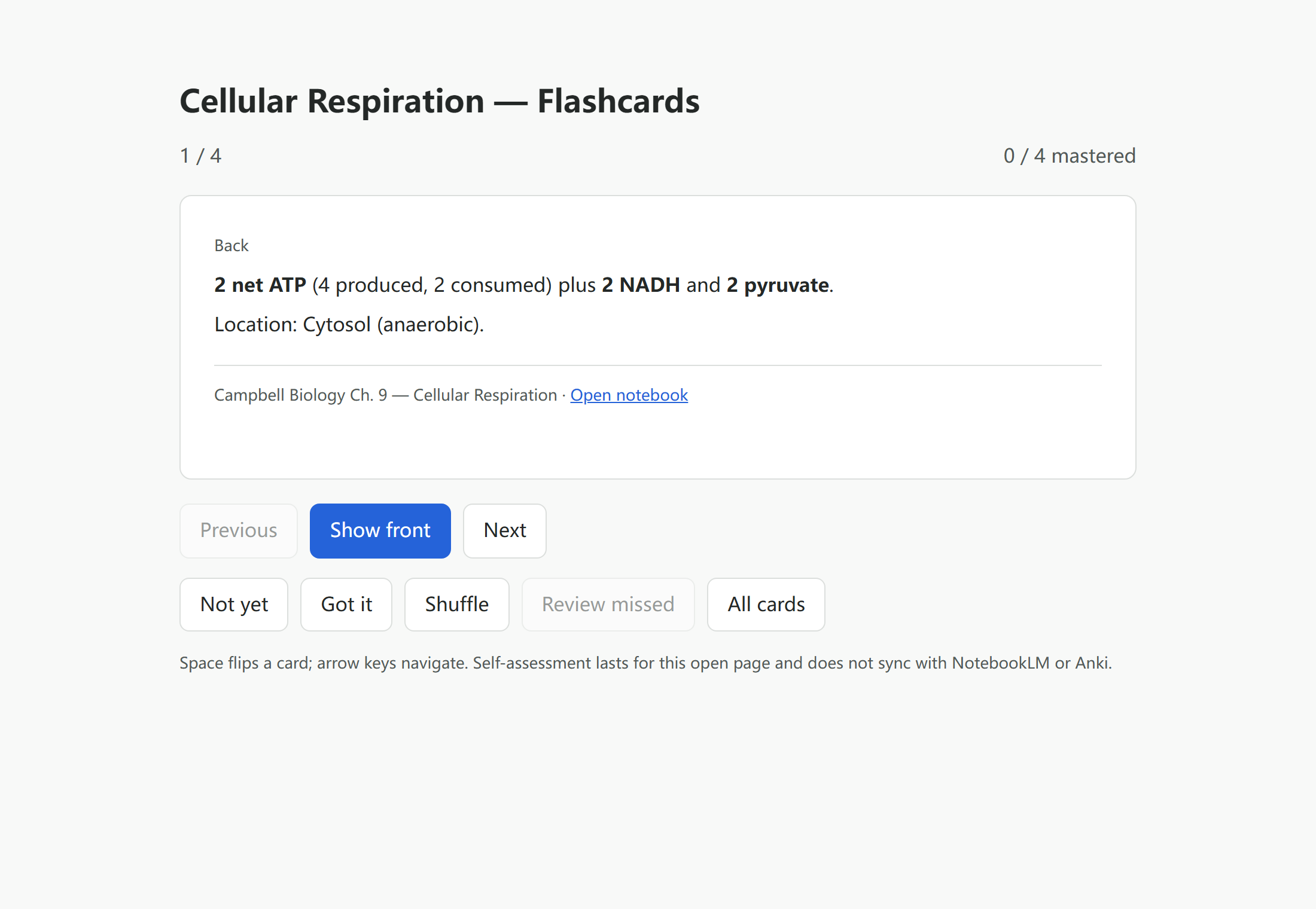
How to Export NotebookLM flashcards to an offline practice page. You get a single HTML file that opens in a browser and lets you flip through the cards with.
Yes, NotebookLM flashcards can go into Anki. NotebookLM Ultra Exporter exports a deck as Anki-importable tab-separated text for free, with no daily quota.
Single-purpose quiz clippers (such as NotebookLM Quiz Exporter) typically focus on dumping basic JSON, CSV, or raw text from quizzes, leaving educators to.
In 2026, Google’s built-in NotebookLM flashcard download exports raw CSV only, which frequently splits cards on commas, leaves Markdown bolding raw, breaks.
Both import a NotebookLM quiz into the Moodle question bank, and both are free exports. GIFT is a compact text format you can read and fix by hand.
For Canvas and most university LMS platforms, QTI 1.2 is the most broadly compatible export target because both Canvas Classic Quizzes and Canvas New Quizzes.